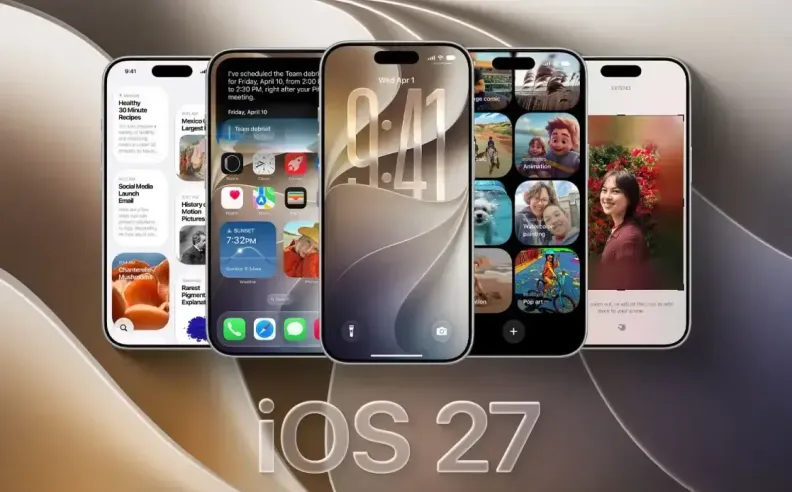
Apple brings iOS 27 to iPhone with changes designed to make everyday use smarter and more personal. The update puts Siri AI at the center while introducing intelligent photo tools, greater Liquid Glass customization, Safari upgrades, and several practical improvements across the system.

Siri AI delivers one of the biggest changes in iOS 27 by understanding conversations, personal context, and on-screen content more effectively. It can search information across Messages, Mail, Photos, and other personal content while performing more actions inside supported apps.
Apple also adds a dedicated Siri app for revisiting conversations across supported devices, while Visual Intelligence brings contextual queries to Camera. Write with Siri can help create and refine text in apps such as Messages and Mail while adapting to the user’s writing style. However, these advanced AI features require iPhone 15 Pro, iPhone 15 Pro Max, iPhone 16 models, or newer supported devices.
Apple expands AI-powered editing in Photos on compatible devices with tools such as Spatial Reframing and Extend. Spatial Reframing can adjust a photo’s composition as though the camera position had changed, while Extend can expand an image beyond its original boundaries. An upgraded Clean Up tool also improves the removal of larger unwanted objects.
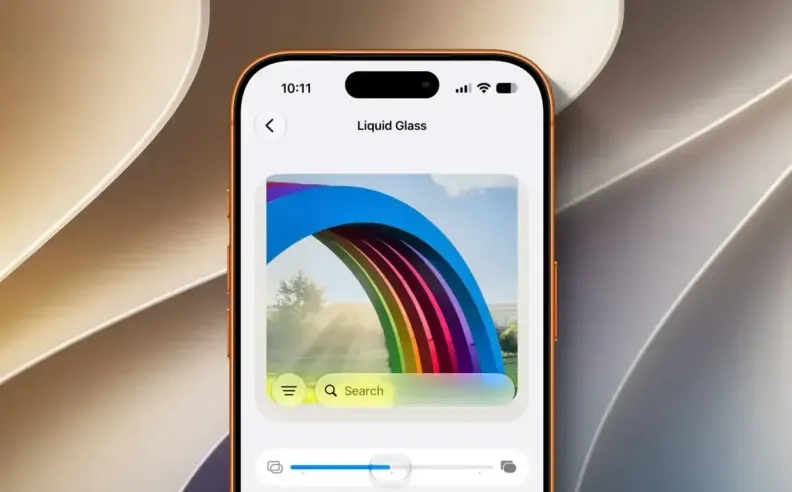
iOS 27 also gives users more control over Liquid Glass through Settings, allowing them to adjust the interface between a clearer transparent appearance and a more tinted effect. Apple complements these visual changes with improvements to app launches, photo loading, AirDrop transfers, and search across Spotlight, Photos, and Mail.
Safari can automatically organize tabs by topic, while Notify Me can monitor webpages and alert users to changes such as a price drop or a product returning to stock. Apple also introduces Custom EQ for AirPods, separate volume controls for alarms and timers, and improvements to parental controls and accessibility features.
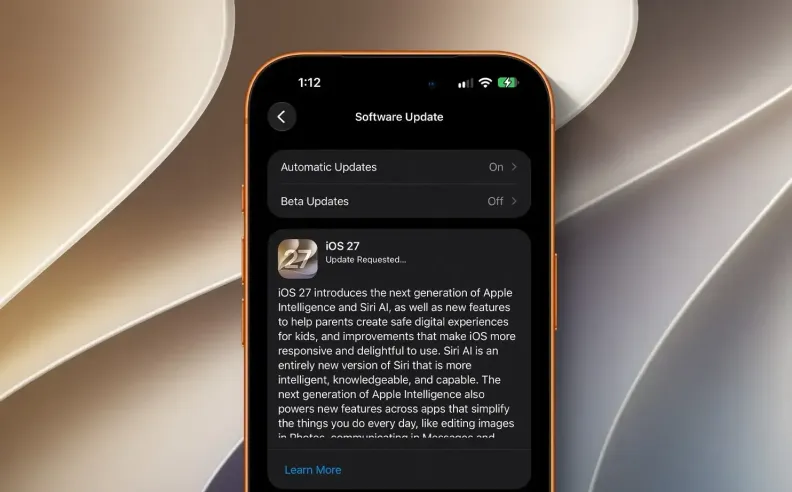
Users can install iOS 27 by opening Settings > General > Software Update, selecting the update, and following the on-screen instructions. Creating an iCloud or computer backup before installing the major update can help keep important data protected during the process.

Started my career in Automotive Journalism in 2015. Even though I'm a pharmacist, hanging around cars all the time has created a passion for the automotive industry since day 1.





 SHARE
SHARE