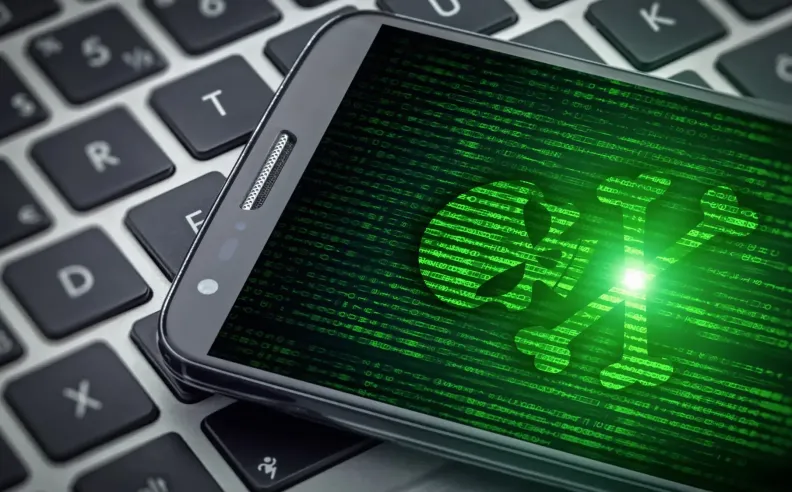
Downloading an app from an official store does not always guarantee safety. During 2026, several apps were removed from Google Play and the App Store after being linked to malware and scams targeting personal information, banking accounts and digital wallets. Checking whether any suspicious apps remain installed can therefore be an important step towards protecting a smartphone.
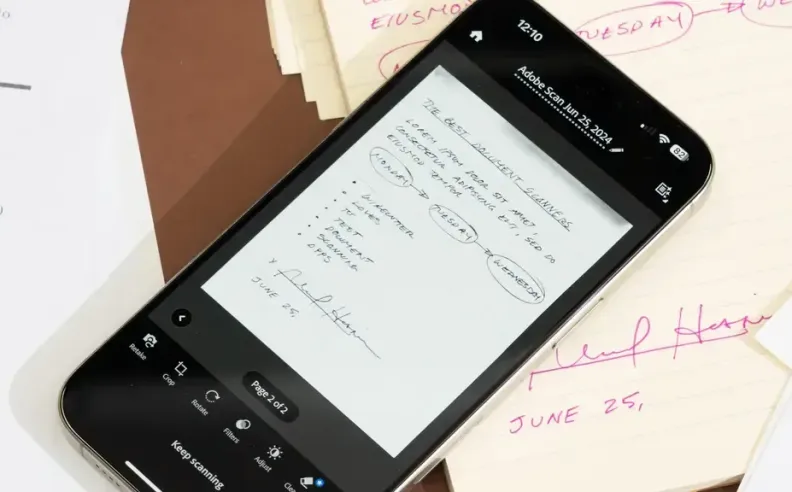
Disguising itself as an everyday productivity tool, Document Reader – File Manager was linked to Anatsa malware. Once installed, the threat could display fake login screens over legitimate banking and financial apps, potentially capturing credentials, monitoring typed information and reading text messages containing verification codes.
Deleting the app should be the first step if it remains installed. Changing banking passwords from another trusted device and reviewing accounts for unusual transactions can provide additional protection if the app was previously used.
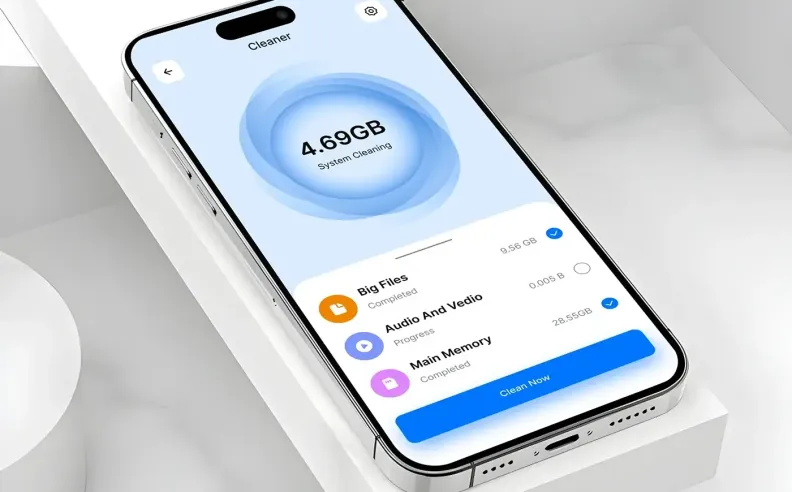
Appearing among apps associated with Operation NoVoice, Storage Cleaner was linked to malware that particularly targeted older Android devices. The campaign exploited older vulnerabilities to manipulate a key system file and execute malicious instructions through apps already installed on the phone.
Keeping Android updated remains especially important. According to the original report, devices with the May 2021 security update or later were not vulnerable to this particular exploit, making regular security updates an essential line of defence.
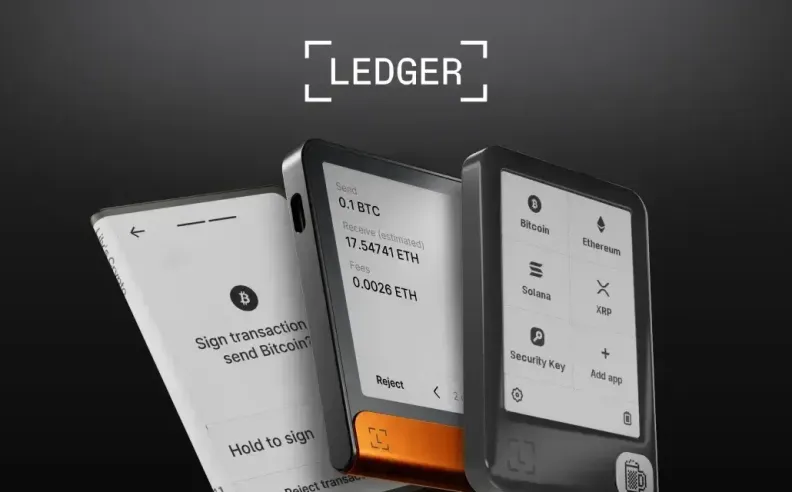
Posing as a cryptocurrency wallet, LeddgerNew was identified among fake apps designed to trick users into revealing their wallet recovery phrase. Gaining access to these words can potentially give attackers control over the wallet and allow them to transfer its assets.
Avoiding the entry of a recovery phrase into an unverified app remains crucial, even when its name or design resembles a trusted wallet. If sensitive wallet information has already been entered into a suspicious app, simply deleting the application may not be enough, as the credentials should be treated as potentially compromised.

Started my career in Automotive Journalism in 2015. Even though I'm a pharmacist, hanging around cars all the time has created a passion for the automotive industry since day 1.






 SHARE
SHARE