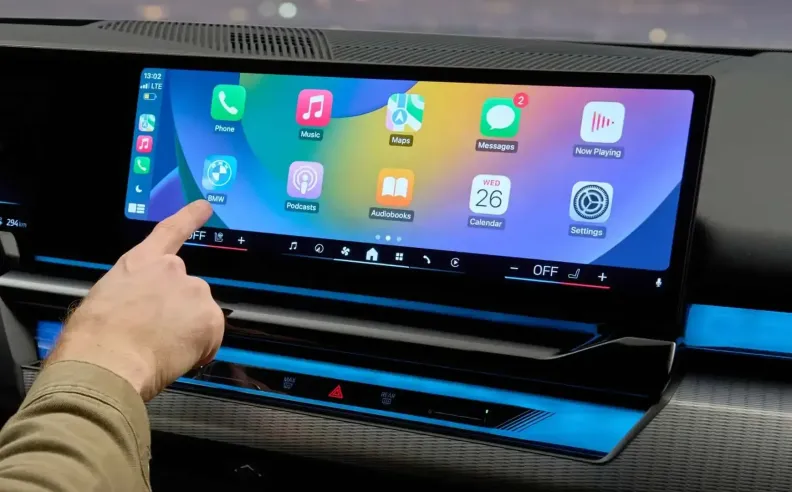
Apple CarPlay has become an essential part of everyday driving, allowing motorists to access navigation, music, messages, and phone calls directly through their vehicle infotainment screens. However, unexpected connection failures, frequent disconnections, or an unresponsive display can quickly turn this convenience into frustration. Fortunately, many Apple CarPlay problems are caused by simple connectivity issues, outdated software, or incorrect iPhone settings rather than expensive mechanical or electronic failures. Before scheduling a service appointment, drivers can follow a few practical troubleshooting steps to identify the problem and potentially restore their connection within minutes.
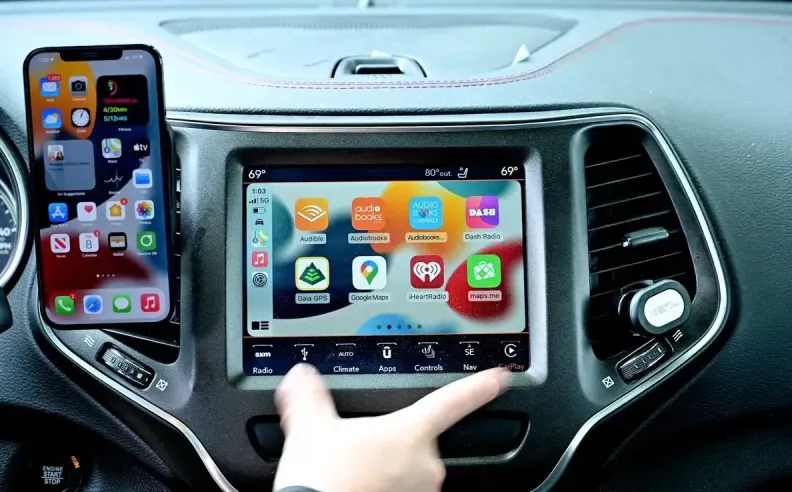
The first step in troubleshooting Apple CarPlay is determining whether the problem originates from a wired or wireless connection. For wired systems, a damaged or low quality USB cable can cause repeated disconnections, even when the iPhone continues charging normally. Trying another cable that supports data transfer and checking the correct USB port can often resolve the issue immediately. Drivers should also inspect the phone charging port for dirt or damage. For wireless CarPlay, both Bluetooth and WiFi must be enabled, as they work together to establish and maintain the connection. Restarting these connections or pairing the iPhone again can help restore functionality. Interestingly, if Bluetooth calls and music continue working while CarPlay fails, the issue may involve the WiFi connection responsible for transferring CarPlay data.
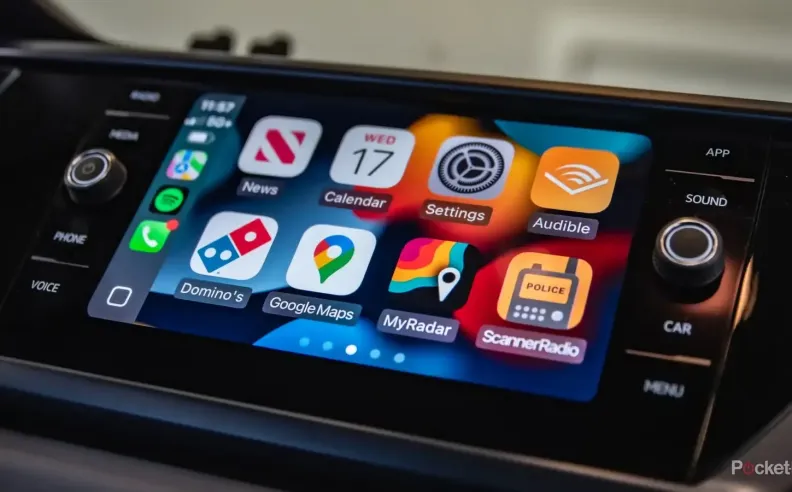
Sometimes, the solution is as simple as restarting the iPhone and the vehicle infotainment system. Drivers should also check whether their iPhone is running the latest compatible iOS version and whether the vehicle manufacturer offers software updates for its multimedia system. Within the iPhone Settings app, navigating to General and then CarPlay allows users to verify that their vehicle is recognized. Checking Screen Time restrictions and ensuring Siri is enabled can also prevent unexpected connection problems. If the issue continues, selecting Forget This Car and establishing a fresh connection can eliminate temporary pairing conflicts. These straightforward steps are particularly useful when CarPlay suddenly stops functioning after a software update or when switching between multiple connected phones.
If troubleshooting fails to restore the connection, testing another compatible iPhone can help determine whether the problem originates from the phone or the vehicle. When multiple phones experience identical failures, particularly with different USB cables, the vehicle USB port, wireless communication module, or infotainment system may require professional inspection. Persistent screen freezing, unexpected system restarts, and visibly damaged connectors are additional warning signs of potential hardware problems. Conversely, if another iPhone connects successfully, the original phone may have a damaged charging port or a software related issue requiring further attention. By identifying the source of the problem before visiting a dealership or repair center, drivers can avoid unnecessary expenses and make restoring Apple CarPlay a much simpler process.

Started my career in Automotive Journalism in 2015. Even though I'm a pharmacist, hanging around cars all the time has created a passion for the automotive industry since day 1.


 SHARE